
For coaches and academies
Keep players practicing between sessions
Assign moves, review videos and give private feedback, without becoming a full-time app moderator.
Coach tools
Everything you need, nothing you don’t
Connect
Find your players and add them to your network. Parent approval protects under-13 connections.
Assign
Choose any move from the 220-move curriculum and set it as homework between sessions.
Review
Watch the attempts your players submit for each assignment and see who is practicing.
Report
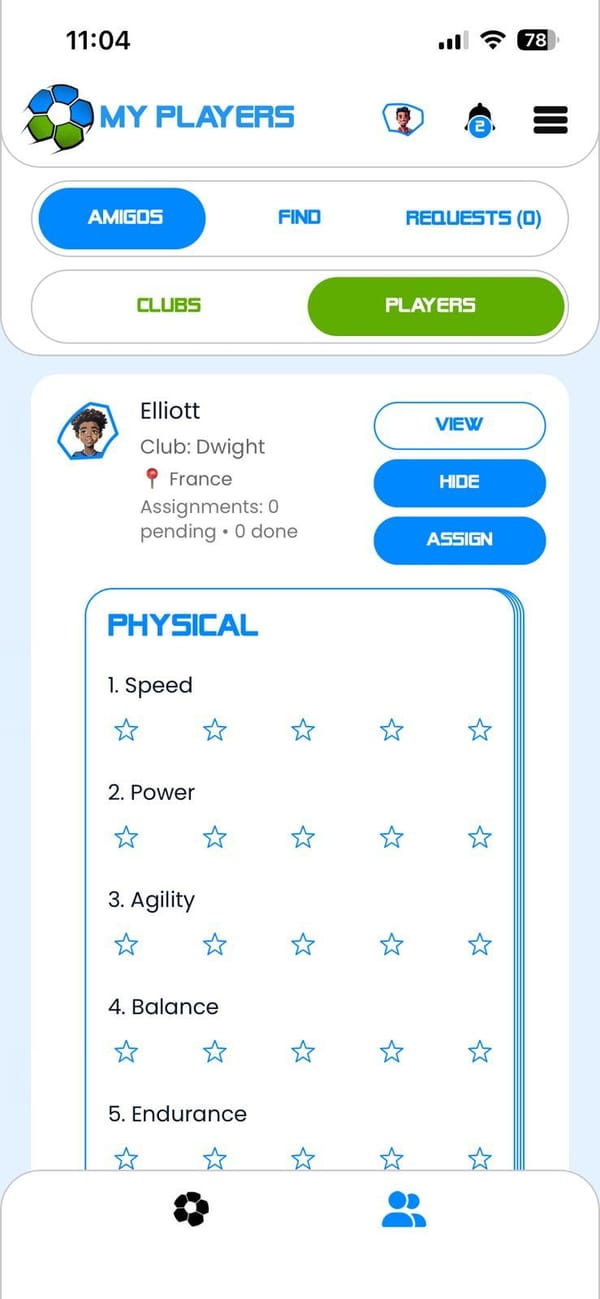
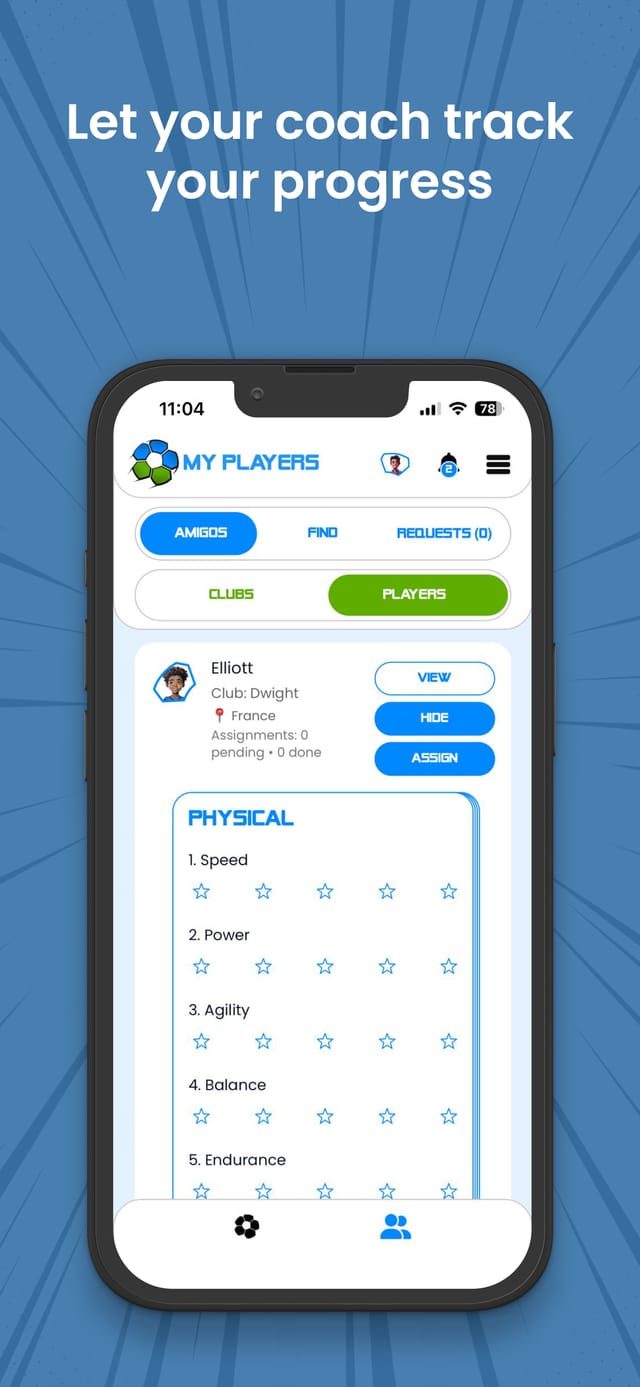
Rate speed, power, agility, balance and endurance with five-star scorecards and notes, shared privately with your player.
Why coaches use Amigo
Your coaching, extended
A ready-made curriculum
220 moves, each with a tutorial and step-by-step mechanics, so you never have to recreate instructions.
Practice you can see
Know who is practicing, what they completed and where they need to try again.
Supports you, doesn’t replace you
Amigo keeps players engaged between sessions. The coaching still comes from you.
Getting started as a coach
Download Amigo and tap Sign Up
Amigo is free on the App Store and Google Play.
Create a coach account
Add your name, email and, if you have one, your club, institute or academy. Accept the Terms and Conditions, Privacy Policy and Play Nice Policy.
Connect with your players
Find players by name or club and send a request. For supervised under-13 players, a parent may need to approve it.
Assign a move
Open a player, tap Pick Move, browse the leagues and assign a move to practice before your next session.
Review and report
Watch your players’ submissions and share private reports and scorecards to guide their next steps.


Academies and clubs
Bring Amigo to your academy
A structured way to keep players learning and practicing between training sessions.
- Give every player the same structured curriculum
- Make at-home practice visible with stars, levels and assignments
- Built-in parent consent and safety controls
Talk to our partnerships team
We are onboarding academies and clubs now.
Email partnershipsOr write to partners@
FAQ
Questions from coaches
How can coaches use Amigo?
Create a coach account, connect with your players and assign moves from the curriculum. Then review their submissions and give private feedback through reports and scorecards. It is a simple way to keep players practicing between team sessions.
Is coach feedback public?
No. Coach reports and scorecards are private, and coach assignment videos are private by default.
Can my academy or club use Amigo?
Yes. We work with academies and clubs to keep players learning and practicing between training sessions. Email partners@amigofootball.com to talk about bringing Amigo to your players.
Does Amigo replace a football coach?
No. Amigo supports coaching, it does not replace it. It helps players keep practicing between sessions and gives coaches a simple way to assign skills and follow progress.
Do I need a coach or a club to use Amigo?
No. Amigo works with or without a coach, club or academy. You can follow the curriculum at your own pace at home, in the park or anywhere you have a ball. If you do have a coach, they can connect with you in the app and assign moves to practice between sessions.
How many moves are in the Amigo curriculum?
The curriculum has 220 moves across 10 levels, grouped into 4 leagues. It starts with 40 foundation moves in the Toa League and builds up to ten-move combinations in the Grandes Maestros Liga.
Last updated
Start with your squad
Download Amigo for free, create your coach account and assign your first move today.
